


Back to article
3348
Checking the software or firmware version
Installing the latest product and/or app updates ensures you experience the latest features and stability enhancements. Find out how to check the version of your product.
Checking the software or firmware version | Bose QuietComfort Ultra Headphones (2nd Gen)
To view info about your product:
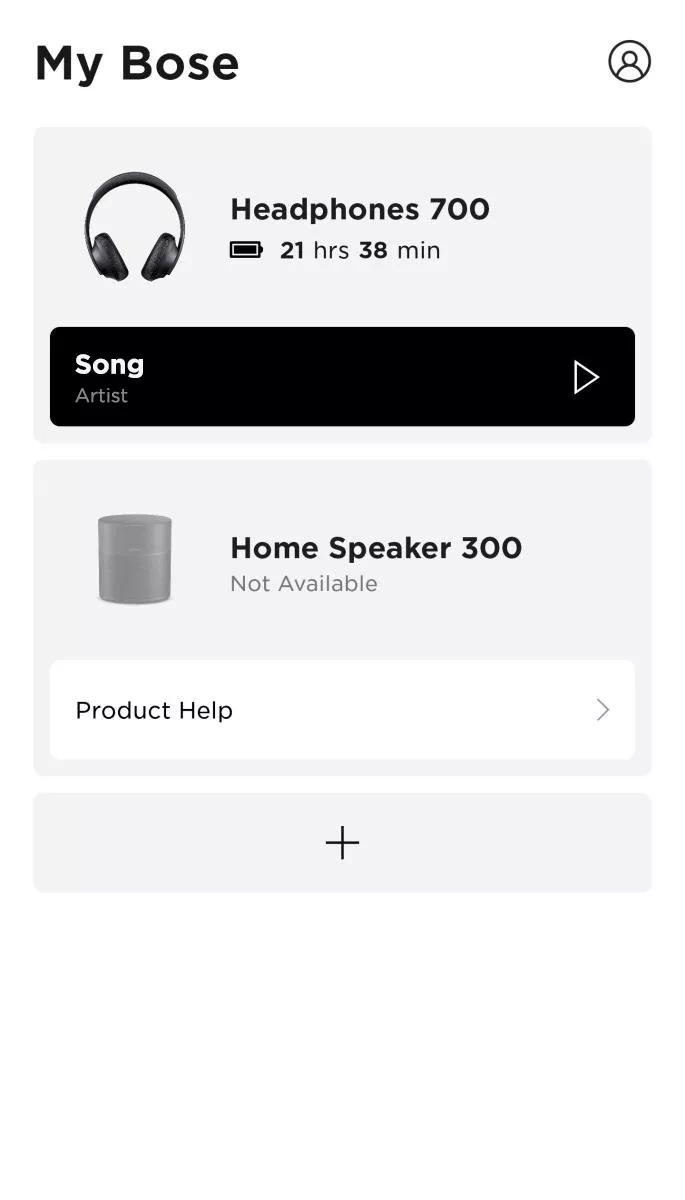
- In the Bose app, tap the My Bose icon
in the upper-left corner.
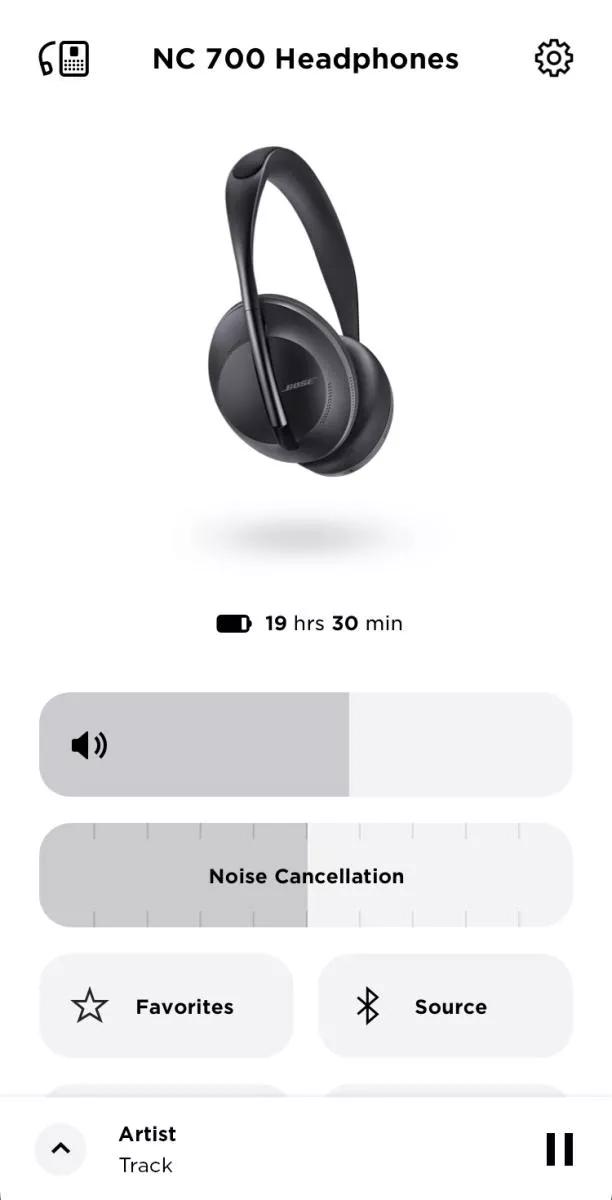
- Select the desired product.
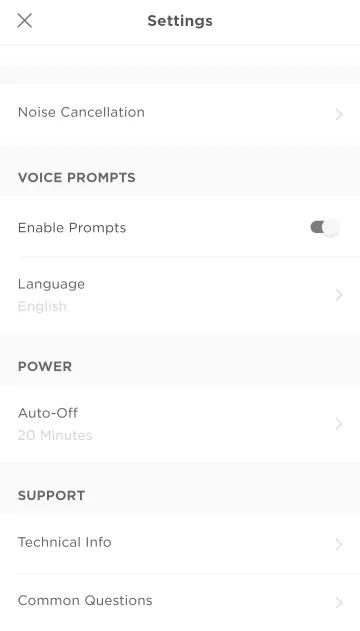
- Tap Settings.
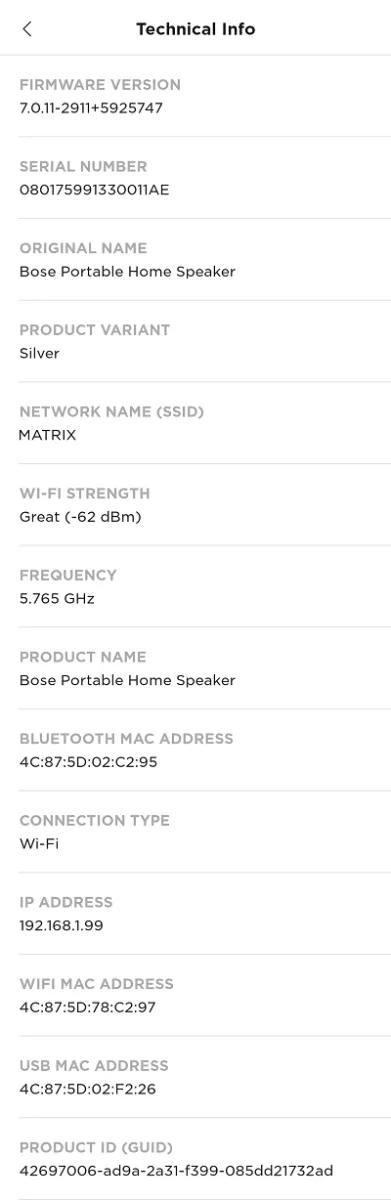
- Tap Technical Info.
Note: The technical info shown below will vary depending on the selected product and its features
Was this article helpful?
Thank you for your feedback!