NEW: New QuietComfort Headphones (2nd Gen). Buy now
NEW
Quiet. Crafted. Epic.
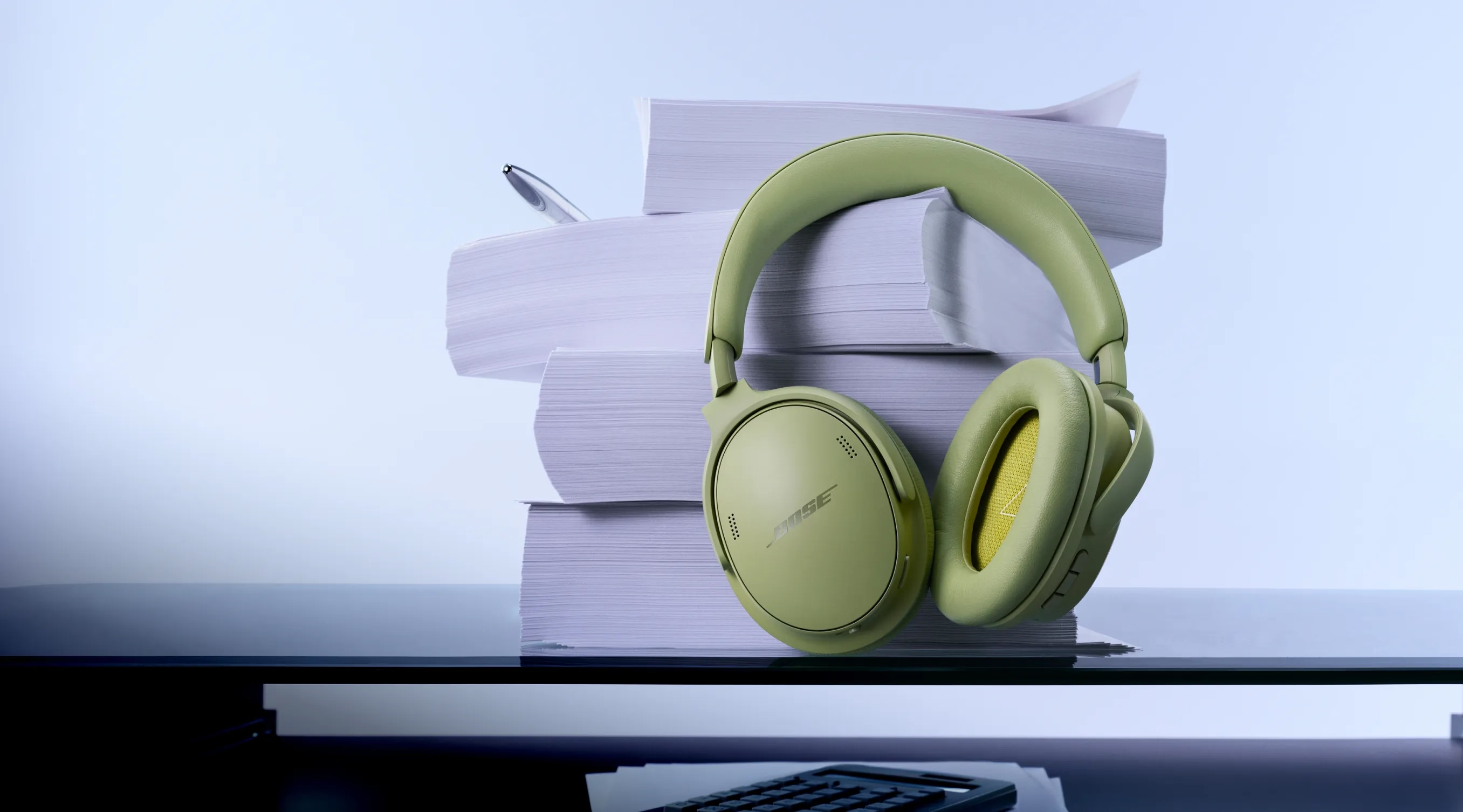
QuietComfort Headphones (2nd Gen). Refreshed signature design. Legendary noise cancellation.
Trending products
-
-
Colour: Black
-
Colour: Moonlight Grey
-


Certified Refurbished Sale
Save on like-new Bose products for a limited time.
NEW COLOUR
Recharge in a new hue
Fresh shades. Fresh sound. SoundLink Flex (2nd Gen) in limited-edition Dewdrop Mint.
NEW COLOUR
Stay rooted in style
Ground yourself in a rich, floral hue. QuietComfort Earbuds in limited-edition Rosewood Mauve.
Bose Automotive
True believers in the power of sound
Why buy from Bose
-
30-day return policy
Try it for 30 days to make sure it’s right for you.
-
World-class customer service
Free technical support is available for all Bose products – even older or retired models.
-
Complimentary delivery
On all in-stock orders of £39 or more.
-
My Bose perks
My Bose members receive exclusive offers, experiences and more.
Important recall notice regarding certain Acoustimass, Lifestyle, and Companion system bass modules manufactured prior to 1 April 2006.
Product Added to cart Extended warranty modal
Protect your Bose with an extended warranty plan
